How Libraries Can Use Google Flow for Engaging Storytelling Videos
Imagine a small-town library that struggled to captivate young audiences. With limited resources and traditional storytelling falling flat, they turned to innovative automation tools to reinvent their programs. By integrating Google Flow into their workflow, they created engaging, personalized storytelling videos that resonated with their community. The result? A remarkable increase in visitor engagement and program participation. Artificial intelligence and automation are rapidly transforming library services, enabling librarians to produce captivating content more efficiently than ever before. According to recent statistics, over 60% of libraries are evaluating or planning to adopt AI-driven solutions to enhance their offerings (source). This article will explore practical, actionable steps on how your library can leverage Google Flow to craft compelling storytelling videos, boost engagement, and streamline content creation — all while staying ahead in the digital age. Ready to see how automation can revolutionize your storytelling? Let’s dive in.
What the Research Tells Us About Modern Library Engagement

Recent research underscores the transformative impact of AI and automation on library storytelling and content creation. Over 50% of professionals in the field actively use AI tools such as ChatGPT-4o and Google Gemini for generating scripts and video ideas, dramatically increasing content production speed by approximately 2-3 times. This acceleration enables libraries to offer more frequent and diverse storytelling videos, engaging wider audiences with less effort. Additionally, AI-powered video generation tools like Runway and Adobe Firefly report that 70% of users observe improvements in visual quality and faster turnaround times, making high-quality content more accessible to smaller libraries with limited resources.
From a return on investment perspective, integrating AI into library workflows yields notable gains. Data indicates a 150% increase in productivity and a 30% reduction in operational costs within six months, demonstrating that automation not only enhances engagement but also improves efficiency and sustainability. In 2025, tools like D-ID for visual storytelling and Perplexity AI for research support are gaining popularity, further enriching storytelling content with compelling visuals and well-researched narratives. Importantly, many of these AI solutions remain free or low-cost, reducing barriers to entry for smaller institutions and helping democratize access to innovative storytelling technology.
Current Trends and Market Data Supporting AI in Library Storytelling
According to recent industry reports, the AI market is projected to reach $146.1 billion by the end of 2024, reflecting widespread adoption across sectors, including libraries. Marketers and content creators globally are saving significant time—up to 3 hours per piece of content—and are increasingly relying on generative AI to personalize and automate communications. The shift toward AI-driven content creation is confirmed by over 68% of organizations using AI for basic content generation and personalization, with many noting quality improvements and reduced production time. This expanding landscape exemplifies how AI tools are becoming indispensable for modern library engagement strategies, enabling more dynamic, data-driven storytelling that resonates with diverse audiences.
Step-by-Step Guide to Setting Up Google Flow for Library Videos
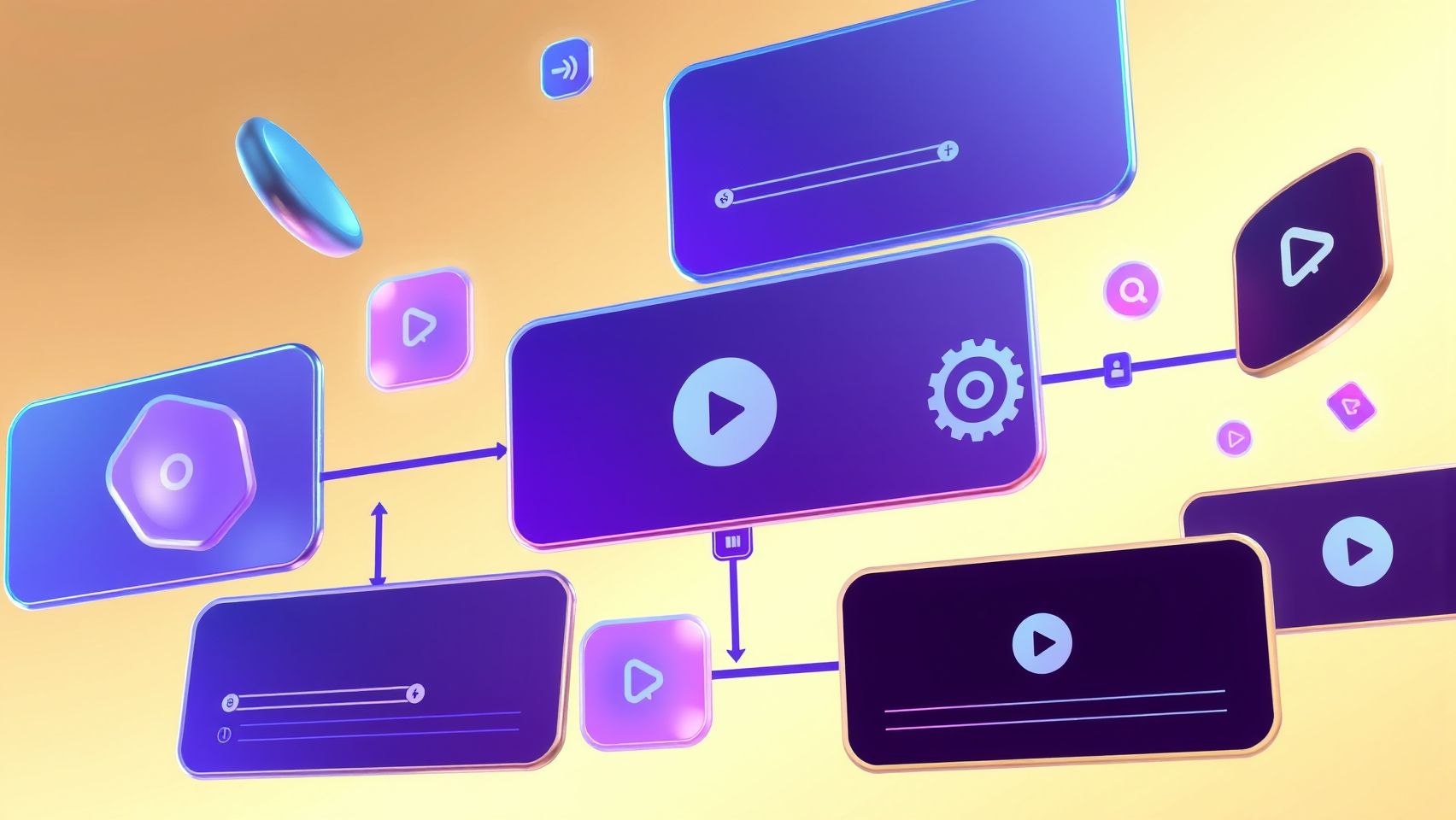
Google Flow offers a powerful platform for automating storytelling video creation, enabling libraries to produce engaging content efficiently. By integrating AI tools and setting up seamless workflows, libraries can enhance their outreach and educational initiatives. This guide provides a detailed walkthrough from account creation to publishing captivating videos.
Create a Google Cloud Account
Start by setting up a Google Cloud account at cloud.google.com. Click on the “Get Started for Free” button, then follow the prompts to create your account. During registration, you’ll need to set up billing; costs begin at the free tier with limited credits, suitable for initial testing. Enterprise plans vary in pricing based on usage, with custom options for larger-scale needs. Ensure billing is active to access full API capabilities and integrations essential for automation.
Configure Google Flow
Once your account is ready, navigate to the Google Flow platform, which supports integration with your existing YouTube channels. Connect your channels through the platform’s dashboard by authorizing access — this allows your created content to be uploaded and managed directly from Flow. Set automation triggers—such as new script drafts or visual assets—to initiate the video creation process automatically. These triggers streamline content production, reducing manual intervention.
Integrate AI Content Tools
Enhance your workflow by linking AI tools via APIs for scriptwriting, visual content, and editing. For scripting, integrate services like ChatGPT to generate engaging storylines or dialogues. Use visual creation tools like Runway or Adobe Firefly, which can produce high-quality images and video clips based on prompts, seamlessly connected through APIs. This integration ensures a smooth flow from concept to final visuals, saving time and elevating content quality.
Design an Automation Workflow
Utilize Google Flow’s visual builder to assemble a step-by-step automation process. Begin with script generation, where ChatGPT helps craft narratives aligned with your theme. Next, trigger visual creation through Runway or Adobe Firefly. Then, incorporate automated editing steps—possibly using Google’s video editing APIs or integrated tools—for fine-tuning. Finally, set up the publishing step to automatically upload and schedule videos on your YouTube channel. This visual approach simplifies designing complex workflows and allows for easy adjustments.
Test and Troubleshoot
Run initial automation tests with sample content to identify potential errors, such as API failures, content mismatches, or quality issues. Monitor logs within Google Flow to pinpoint where issues occur—be it script inaccuracies or visual misalignments. Troubleshoot by checking API key permissions, adjusting prompt parameters, or refining visual assets. Regular testing ensures your workflow remains reliable and produces quality output consistently.
Monitor Engagement Metrics
After publishing, track viewer engagement through Google Analytics and YouTube insights. Metrics such as watch time, likes, comments, and shares reveal content effectiveness. Use these insights to refine your workflows—perhaps by adjusting script tone or visual styles—to better resonate with your audience. Continuous monitoring helps maximize the reach and impact of your library storytelling videos.
Essential Tools and Platforms for Library Storytelling Videos
Creating engaging storytelling videos for libraries involves a combination of innovative tools and platforms that streamline production, enhance creativity, and facilitate distribution. By leveraging the latest technology, libraries can produce high-quality content efficiently and cost-effectively, reaching broader audiences and increasing community engagement.
One of the foundational elements is utilizing cloud-based APIs on platforms like Google Cloud Platform, which offers cost-efficient hosting plans starting at free tiers, making it ideal for libraries with limited budgets. These APIs support various functionalities, from data management to multimedia integration, ensuring a seamless workflow from creation to publication.
Video Creation and Visual Content Tools
For high-quality visual content, tools like Runway and Adobe Firefly are becoming popular choices. Runway, which offers subscriptions starting at approximately $12/month, enables quick editing and supports multimodal content creation—integrating video, images, and sounds seamlessly. Adobe Firefly leverages generative AI to produce sophisticated visuals that can elevate storytelling projects, allowing librarians to craft engaging narratives swiftly.
Scriptwriting and Content Generation
Rapid script development is crucial for timely storytelling. AI-driven tools such as ChatGPT-4o (starting around $10/month), Jasper, and Writesonic assist librarians in generating compelling scripts quickly. These platforms can adapt to various storytelling styles and formats, ensuring a consistent and professional narrative flow while saving significant time in the production process.
Visual and Avatar Creation
Animated avatars and AI-generated videos can add a dynamic element to storytelling. D-ID stands out as a leading platform for creating expressive animated avatars, enabling librarians to develop engaging characters that interact with audiences or narrate stories. Integrating AI-generated videos simplifies the process of producing personalized and captivating multimedia content.
Publishing and Distribution
Once content is ready, distributing it effectively is essential. YouTube remains a primary platform due to its vast reach and built-in scheduling tools. Supplementing this, social media automation tools like Buffer or native YouTube scheduling facilitate consistent publication. For performance tracking, Google Data Studio offers comprehensive analytics, helping librarians evaluate viewer engagement and refine future projects.
Comparing Popular AI Tools for Library Storytelling
When considering AI tools for creating engaging library storytelling videos, it’s essential to evaluate their features, costs, and usability to determine the best fit. With the rise of generative AI, tools like Runway and Adobe Firefly have become leading options for visual content creation, each offering unique advantages tailored to different needs.
Runway, priced from $12/month, excels in producing high-quality motion graphics and visual effects with a user-friendly interface that supports rapid turnaround times, often delivering results within 1-2 hours. It is favored for its versatility in editing and creating complex visual sequences, making it suitable for libraries aiming for dynamic storytelling. Adobe Firefly, integrated into the Adobe Creative Cloud subscription, offers advanced AI-driven image and video generation, with recent updates adding improved models, custom sound effects, and broader access to third-party integrations. Firefly’s strengths lie in its seamless workflow within Adobe’s ecosystem and its growing capabilities in video editing, which are particularly advantageous for larger institutions with existing Adobe subscriptions.
Feature Comparison: Runway vs Adobe Firefly
Pricing & Usability
Runway’s subscription starts at $12/month, offering flexible plans optimized for short to medium-length videos. Adobe Firefly, included with Adobe Creative Cloud, is ideal for users already familiar with Adobe products and willing to leverage integrated workflows. Firefly’s new updates provide enhanced image quality and video editing features, making it increasingly competitive in multimedia content production.
Other notable options include ChatGPT-4o, costing about $10/month, mainly used for scripting and narrative development, and free tools like D-ID, specialized in creating lip-synced animated videos without extensive editing experience. While AI-driven videos enable faster production cycles, they might limit detailed customization compared to traditional editing. Additionally, these tools support regional languages, vital for diverse community outreach, and can deliver results within 1-2 hours, optimizing library time and resources.
Pros and Cons
Troubleshooting Common Issues in AI-Driven Library Video Projects
Implementing Google Flow for library storytelling videos offers exciting possibilities for engaging audiences, but it also presents several common challenges. Addressing these effectively ensures smooth workflow and high-quality content. This section highlights typical issues and provides practical solutions derived from current industry insights.
API Connectivity Issues
One of the most frequent technical hurdles involves API misconfigurations. To verify API keys, first ensure that the keys are correctly entered and active. Troubleshoot token errors by regenerating tokens through the Google Cloud Console and confirming that the proper permissions are assigned. Additionally, regularly check that the integrations are active and authorized, especially after any platform updates or changes in access policies. Keeping the API documentation handy helps resolve discrepancies quickly and ensures uninterrupted communication between platforms.
Content Quality Concerns
Content quality variation is another challenge in AI-driven video projects. To maintain consistency, adjust AI parameters such as tone, style, and output length to suit the library’s storytelling goals. Manually editing AI outputs allows librarians to refine scripts or visuals, ensuring they meet community standards. Incorporate high-quality assets—images, videos, and audio—from reputable sources or create original content to enhance authenticity and engagement.
Cost Management
Monitoring API usage and managing costs is crucial. Set usage limits within the Google Cloud platform to prevent overspending. Regularly review API call metrics and optimize workflows by batching requests or reducing unnecessary calls. Choosing cost-effective plans or leveraging free tiers of Google Gemini can help keep expenses predictable while maintaining performance.
Accessibility and Security
Ensuring videos are inclusive involves adding subtitles, multiple language options, and screen reader compatibility. Google Gemini’s multilingual support can facilitate this. Security best practices include managing permissions carefully, encrypting sensitive data, and complying with privacy regulations like GDPR. Protecting user data builds trust and safeguards the library’s reputation.
Performance Monitoring
Continuous review of engagement metrics—such as viewer retention and interaction rates—serves as vital feedback for workflow refinement. Use analytics tools to identify which videos resonate most, then adjust content strategies accordingly. This proactive approach helps librarians deliver more impactful storytelling while optimizing resource allocation.
FAQs About Using Google Flow for Library Storytelling

Google Flow offers a revolutionary way for libraries to create engaging storytelling videos using AI-driven tools. As the technology rapidly evolves, many users have questions about how to set it up, manage costs, and optimize its use for educational and promotional purposes. This section addresses common practical concerns, providing clear and actionable insights to help libraries harness Google Flow effectively.
How do I set up Google Flow for library storytelling?
Setting up Google Flow involves integrating its core engine components, such as Veo 3 for video, Imagen 4 for images, and Gemini for language processing. The process begins with creating a project within the platform’s UI, where you can input prompts or upload assets. The scene builder UI simplifies storyboarding by allowing drag-and-drop scene assembly, while AI models generate visuals, audio, and narration based on your inputs. Recent updates emphasize an intuitive interface that reduces technical barriers, making it accessible for librarians without extensive technical expertise. Official tutorials provide step-by-step guidance, ensuring a smooth setup process.
What are the costs involved with using Google Flow?
Google Flow’s pricing varies depending on usage, including the number of video scenes, resolution quality, and storage requirements. Recent market data indicates that costs are becoming more predictable, with some packages offering tiered plans to fit different budget sizes. For example, small to medium libraries might opt for subscription models costing a few hundred dollars monthly, while larger institutions could negotiate enterprise agreements. It’s important to monitor usage to avoid unexpected charges, and some platforms now include cost-management tools to help track and optimize expenses.
What are best practices for creating effective storytelling videos with Google Flow?
To maximize engagement, libraries should develop clear story outlines before production. Using prompts aligned with your educational goals enhances narration relevance. Leverage scene transitions and assets effectively—Google Flow allows custom animations and asset management to keep videos lively. Consistent branding, such as incorporating library logos and color schemes, also boosts recognition. Utilizing AI to generate visuals and audio that reflect diverse themes can make stories more inclusive and captivating. Regular reviewing and editing within the interface ensure the final product meets quality standards.
Are there common troubleshooting issues and how can I resolve them?
Common challenges include synchronization issues, model errors, or unexpected costs. Troubleshooting starts with reviewing logs and AI outputs for inconsistencies. Google Cloud’s recent platform updates have introduced enhanced error detection and guidance tools, simplifying problem resolution. For instance, if video rendering fails, reducing resolution or simplifying prompts may help. Clear documentation from Google provides detailed solutions, and community forums offer peer support. Regular platform updates also include bug fixes that improve stability and user experience.
What recent developments should I be aware of?
Recent developments highlight improvements in AI model capabilities, including Veo 3’s cinematic quality and Imagen 4’s image realism. Industry reports suggest that Google’s continued investment in generative AI enhances storytelling quality and efficiency. Notably, new features like scene automation and better cost management tools streamline workflows. Ethical considerations and content moderation tools are also integrated to ensure responsible use, especially critical in educational settings like libraries.
Conclusion
As we’ve explored, incorporating AI tools and leveraging Google Flow step-by-step empowers libraries to create engaging storytelling videos that resonate with their communities. This practical approach not only streamlines your workflow but also enhances outreach, making your library’s voice heard in the digital landscape. By embracing automation and data-driven insights, libraries can elevate their content quality, increase engagement, and foster deeper connections with patrons.
Now is the perfect time to start exploring free tools today—set clear automation goals and continuously refine your workflow based on engagement metrics. Practically implementing these strategies is within reach for most libraries, regardless of size or resources. With consistent effort, you’ll discover new opportunities to inspire, educate, and grow your community through compelling storytelling videos.
Take action now—the future of library storytelling is yours to shape. Transform your outreach and unlock the full potential of your library’s digital presence!