How to Use Google’s Imagen 4 for Effective T-Shirt Design Mockups
Discover how AI can transform your t-shirt design process in just minutes. As the demand for unique and visually appealing apparel grows, innovative tools like Google’s Imagen 4 are revolutionizing the way designers create mockups. This powerful AI image generator produces photorealistic visuals with remarkable speed, enabling entrepreneurs and artists to visualize concepts faster than ever before. Imagine generating high-quality, print-ready mockups without the hassle of traditional design software or costly photoshoots—saving you time and resources.
From seamless platform integrations to stunning resolution outputs, Imagen 4 offers practical benefits that elevate your print-on-demand business. Whether you’re refining your shirt concepts or exploring new creative ideas, using this technology can streamline your workflow and provide impressive results that captivate clients and customers alike. Intrigued? Keep reading to discover step-by-step instructions on harnessing Imagen 4 for your next t-shirt design project and stay ahead in the competitive apparel market.
What Imagen 4 Reveals About AI-Generated T-Shirt Mockups
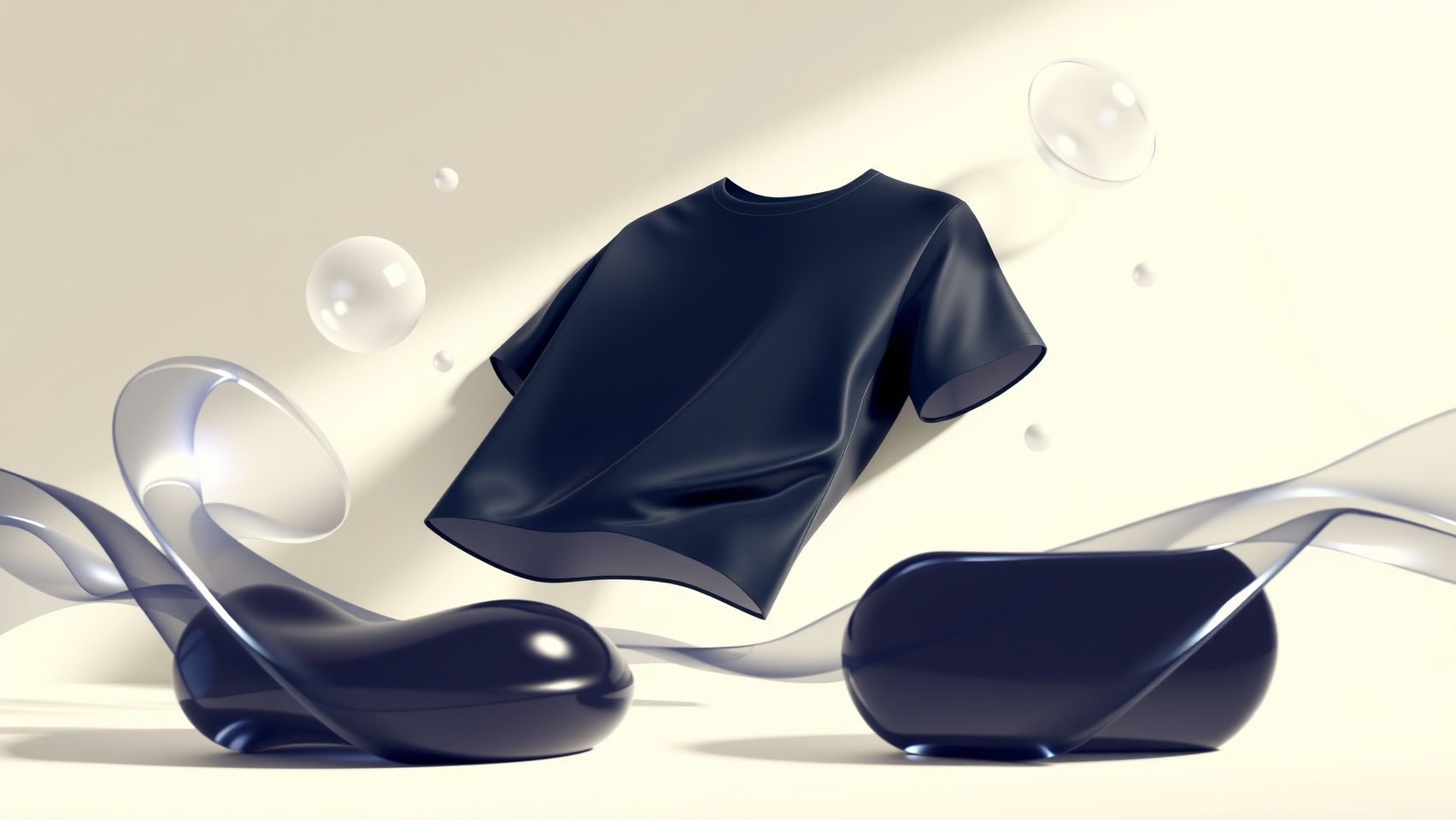
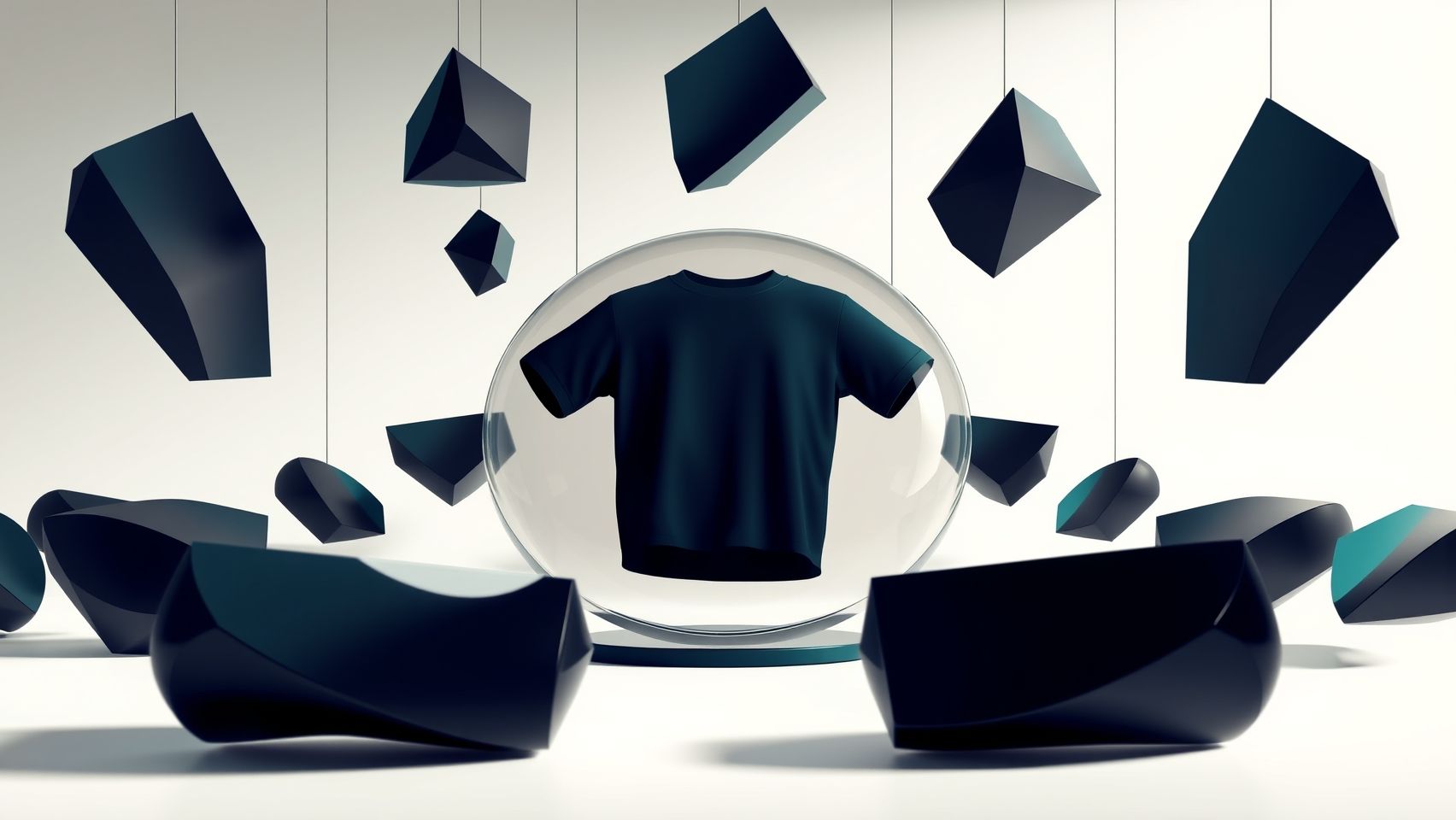
Recent advancements in Google’s Imagen 4 demonstrate a significant leap forward in the quality and speed of AI-generated images, making it an invaluable tool for T-shirt design mockups. Leveraging Google’s Gemini AI model, Imagen 4 produces high-resolution (up to 2K), photorealistic images that outperform competitors in realism and intricate detail, which is crucial for showcasing apparel with authenticity. The tool’s ability to accurately interpret detailed prompts helps designers visualize specific concepts swiftly, reducing the iteration cycle and enhancing creativity.
Industry trends indicate a growing adoption of AI across graphic and fashion design sectors. Surveys reveal that approximately 62% of artists favor AI for artistic expression, citing its role in streamlining workflows and inspiring innovative ideas. Moreover, Imagen 4’s compatibility with platforms like Google Workspace and Vertex AI enables seamless integration into automated design pipelines, boosting efficiency for small businesses and large studios alike. Cost-wise, it offers accessibly priced options at around $0.04-$0.06 per image, making high-quality mockups feasible for startups and freelancers. Overall, Imagen 4’s capabilities align with current industry demands for speedy, detailed, and flexible design tools, positioning it as a game-changer in T-shirt mockup creation.
Step-by-Step: Creating Your T-Shirt Mockups with Imagen 4
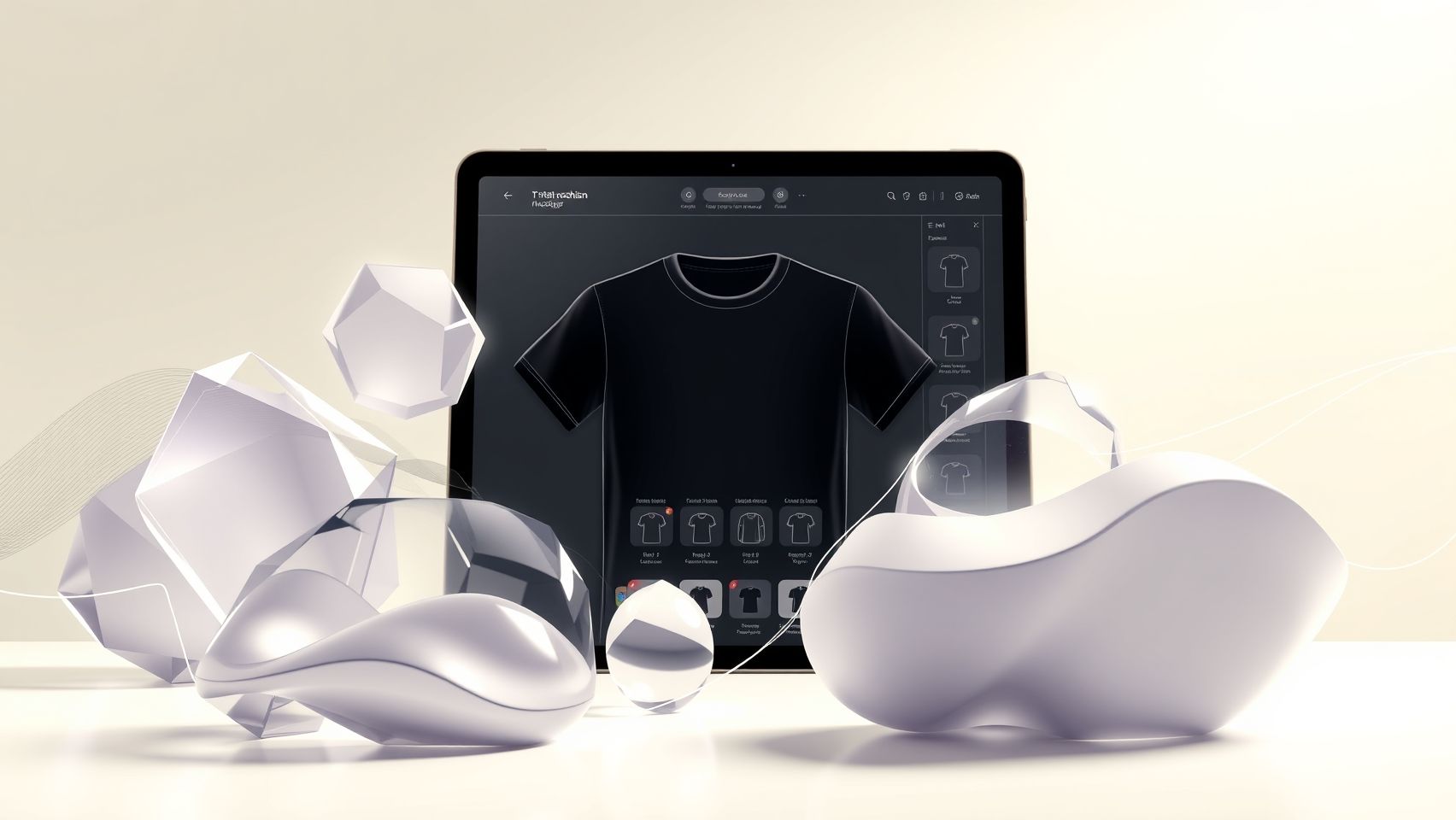
Utilizing Google’s Imagen 4 for T-shirt design mockups offers a cutting-edge approach to visualize and refine your apparel concepts. This powerful AI-driven tool is accessible via Google Cloud Platform, Vertex AI, or integrated through Google Workspace plugins, enabling designers to generate lifelike images from detailed prompts. By following a structured workflow, you can streamline your creative process and produce professional-quality mockups efficiently.
Accessing Imagen 4 and Preparing Your Prompts
Start by accessing Imagen 4 through the Google Cloud Platform or Google Workspace plugins. These platforms offer intuitive interfaces for inputting your prompts. When preparing your prompts, be specific about your T-shirt themes, colors, styles, and key elements. Accurate descriptions such as “vintage-inspired graphic T-shirt with bold red and black design featuring a bear and a mountain landscape” will help the AI generate relevant and high-quality images. Clear, detailed prompts maximize the model’s ability to produce photorealistic and stylistically aligned results.
Input Prompts and Generating Images
Once your prompts are ready, input them into Imagen 4. Use concise yet descriptive language to guide the AI—this enhances the quality and fidelity of the output. After submission, review the generated images carefully, focusing on realism, style match, and resolution. Imagen 4 outputs images with high detail, often surpassing previous models in photorealism and texture quality, which are crucial for convincing mockups.
Review, Refine, and Download
Evaluate the generated mockups and select the best images. If the initial outputs don’t fully meet your vision, refine your prompts by clarifying or adding details, and regenerate the images. This iterative process helps you fine-tune the visuals to match your design intent. Once satisfied, download the high-resolution images suitable for mockup placement.
Creating Mockups and Presentation
Use design software like Adobe Photoshop or Canva to overlay your artwork onto professional T-shirt mockup templates. These tools allow precise positioning, scaling, and lighting adjustments for a realistic presentation. The combination of Imagen 4’s high-quality images and professional mockup templates enables you to showcase your designs effectively, whether for client pitches or marketing.
Tools and Platforms for Seamless T-Shirt Mockup Creation
Creating realistic and high-quality T-shirt mockups is essential for showcasing designs effectively and scaling your merchandise business. Recent advancements in AI technology have revolutionized this process by enabling rapid, photorealistic image generation and streamlined workflows. Leveraging AI tools like Google’s Imagen 4, accessible via Google Cloud and Vertex AI, allows designers to generate high-res mockups in bulk, significantly reducing manual effort and turnaround time. Integrating these images directly into design software such as Adobe Photoshop, Canva, or Affinity Designer enables effortless customization, overlays, and branding adjustments.
Platforms like Printful, Teespring, and Printify can seamlessly incorporate these mockups for product listings, automating the transition from design to sales. Workflow automation tools such as Zapier or Make can connect Imagen 4 outputs with design and e-commerce platforms, creating an efficient pipeline from concept to market. This integration ensures that mockup generation, editing, and product publishing happen swiftly and with minimal manual intervention, empowering businesses to scale their operations swiftly while maintaining visual consistency and quality.
AI Tools and Platform Recommendations
Google Imagen 4 stands out as a high-resolution, photorealistic AI image generator, capable of producing detailed T-shirt mockups from prompts. When combined with Vertex AI, it allows for batch processing of images, making it suitable for businesses requiring large volumes of mockups. Additionally, Google Workspace plugins facilitate prompt management and image importing, streamlining the creative process further.
Design software such as Adobe Photoshop and Canva are ideal for overlaying designs, applying filters, and fine-tuning mockups. Canva’s AI mockup generator offers a user-friendly interface for quick transformations, while Photoshop provides advanced editing capabilities. For automation, connecting these tools with print-on-demand platforms through Zapier or Make creates an integrated workflow, reducing time-to-market and optimizing production cycles. Embracing these platforms and workflow tips can dramatically enhance your T-shirt mockup creation process, making it more efficient, scalable, and creative.
Comparing AI Image Tools for T-Shirt Design

When selecting an AI image generator for T-shirt mockups, practicality and results are crucial factors. Imagen 4 stands out for its high realism, rapid output, and detailed prompt fidelity. Comparing it to other popular tools like Midjourney, DALL-E, and Stable Diffusion reveals clear differences in pricing, features, and usability.
Pricing and Cost Comparison
The current cost per image for Imagen 4 is approximately $0.04 to $0.06, which is competitive given its high level of detail and realism. In contrast, Midjourney’s pricing typically starts around $10 per month for limited images, with additional costs for higher usage. DALL-E offers pay-per-image options at variable pricing, often slightly higher than Imagen 4, while Stable Diffusion is open-source and free, but may incur costs related to computing resources.
Features and Performance
Pros and Cons
Overall, Imagen 4 offers high-fidelity, photorealistic images crucial for effective T-shirt mockups, especially when rapid, high-quality output is needed. Small businesses on a tight budget might prefer open-source or less costly options like Stable Diffusion, while those seeking top-tier realism for a premium product will benefit from Imagen 4’s capabilities.
Frequently Asked Questions About Using Imagen 4 for T-Shirt Designs
Imagen 4 by Google is transforming the landscape of AI-driven mockup creation, especially for T-shirt design enthusiasts. As more designers seek efficient ways to generate realistic mockups, understanding the practicalities of using Imagen 4 becomes essential. This section addresses common questions beginners and experienced users alike have about leveraging this powerful tool effectively.
Which platform is best for beginners — Google Cloud or Vertex AI?
For beginners, Google Cloud’s simplified interface or using Google Workspace plugins is often the recommended starting point. These options provide a user-friendly experience with less technical complexity compared to direct interaction with Vertex AI. Vertex AI, while offering more customization and advanced features, requires a deeper understanding of machine learning workflows. Currently, many users find the Google Cloud platform’s streamlined tools more accessible for quick and effective mockup creation.
How much does it cost to start creating mockups with Imagen 4?
Creating images with Imagen 4 incurs a relatively modest cost—approximately $0.04 to $0.06 per image. This pricing aligns with other AI image generation services and can be budget-friendly for small-scale projects. It’s advisable to monitor usage and optimize prompts to keep costs predictable, especially when generating multiple iterations or testing variations.
What are common setup or integration issues and how to troubleshoot?
Common issues often involve prompt misinterpretation or platform integration errors. If the generated images don’t match expectations, refining the textual description by making prompts clearer and more descriptive is often effective. Using preset prompts or templates can also help maintain consistency. Troubleshooting platform integration typically involves verifying API connections and ensuring that credentials are correctly configured. Google provides extensive documentation and community forums that are helpful resources for resolving these issues.
Can Imagen 4 handle multiple design iterations automatically?
Imagen 4 itself does not automatically generate multiple variations, but users can manually create various prompts to explore different design options. Automating multiple iterations often involves scripting or using third-party tools to generate several images simultaneously based on different prompts. This approach can significantly expedite the process, making it easier to select the best mockup for your T-shirt design.
How to ensure your prompts generate usable mockup images?
Clear, detailed prompts are crucial for getting usable results. Test multiple variations to refine your descriptions—mention specific colors, styles, and details relevant to your T-shirt design. Incorporating visual references or using standardized prompt templates can also guide Imagen 4 to produce more accurate images. Always review generated images critically to verify they meet your expectations before proceeding to print or presentation.
Are there regional restrictions or language support considerations?
While Imagen 4 is designed for global accessibility, regional restrictions may apply depending on local regulations governing AI content generation. Additionally, the platform supports multiple languages, but performance is optimized with prompts in widely used languages like English. Users working in other languages should test prompts carefully and possibly translate descriptive keywords to improve image relevance and quality.
Conclusion

By leveraging Google’s Imagen 4, you can greatly accelerate and enhance your t-shirt mockup process, from crafting detailed prompts to seamlessly integrating your designs with your e-commerce platform. This powerful AI tool enables you to create highly realistic, eye-catching visuals that stand out in a crowded market, giving your print-on-demand business a competitive edge. Don’t wait—start experimenting with Imagen 4 today by accessing Google Cloud or Workspace integrations. Unlock new levels of creativity and efficiency that can transform your product line and drive higher sales. Take action now and turn your design ideas into stunning mockups that captivate your customers and accelerate your success. Your next big hit is just a click away!